Online care safely: privacy and security basics
15 June 2026 | By DigitalHealth.mu | Updated 17 June 2026

Why this is worth a few minutes
Using health services online means your sensitive information travels across networks and lives on devices and servers. That is not a reason to avoid digital health, which brings real benefits, but it is a reason to use it thoughtfully. A handful of simple habits protect your privacy without making anything difficult.
Understand what you are protecting
Health information is among the most personal data you have. It can reveal conditions, medicines, mental health and more. That is exactly why it deserves care, and why reputable services treat it seriously.
The aim is not secrecy for its own sake. It is to make sure your information is seen only by the people who should see it, the clinicians involved in your care, and used only for the purposes you agree to.
Habits that protect your accounts
Most problems start with weak account security, and most are easy to prevent.
Use strong, unique passwords
Give each health account its own password that you do not reuse elsewhere. A long passphrase of a few unrelated words is both strong and memorable. A reputable password manager makes this effortless.
Turn on two step verification
Where it is offered, enable two step verification, which asks for a code as well as your password. It is one of the single most effective protections against someone gaining access to your account.
Lock your devices
Your phone often holds health apps and messages. A screen lock with a strong code or biometric, and automatic locking when idle, keeps that information private if the device is lost or borrowed.
Habits that protect your connection
Where and how you connect matters too.
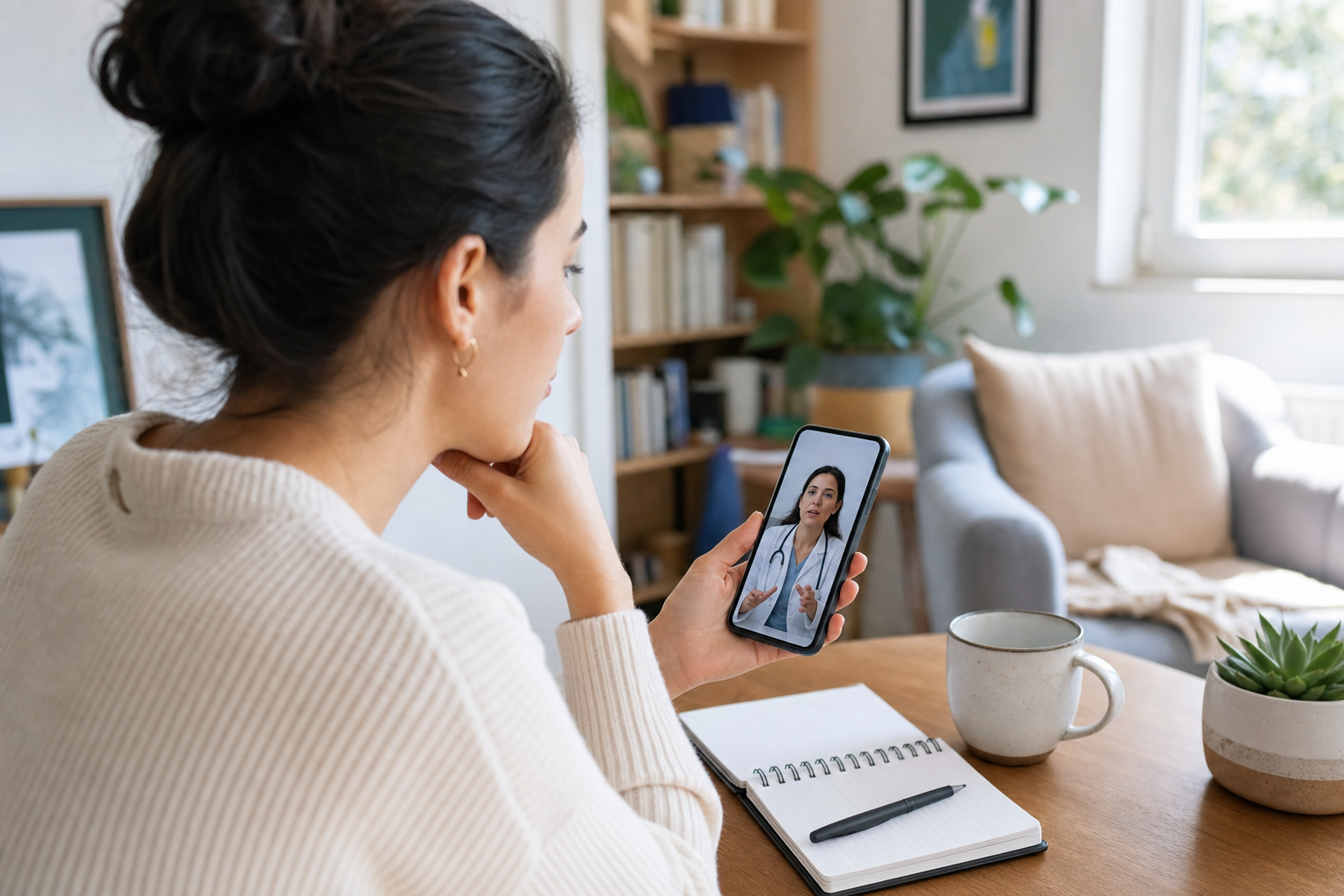
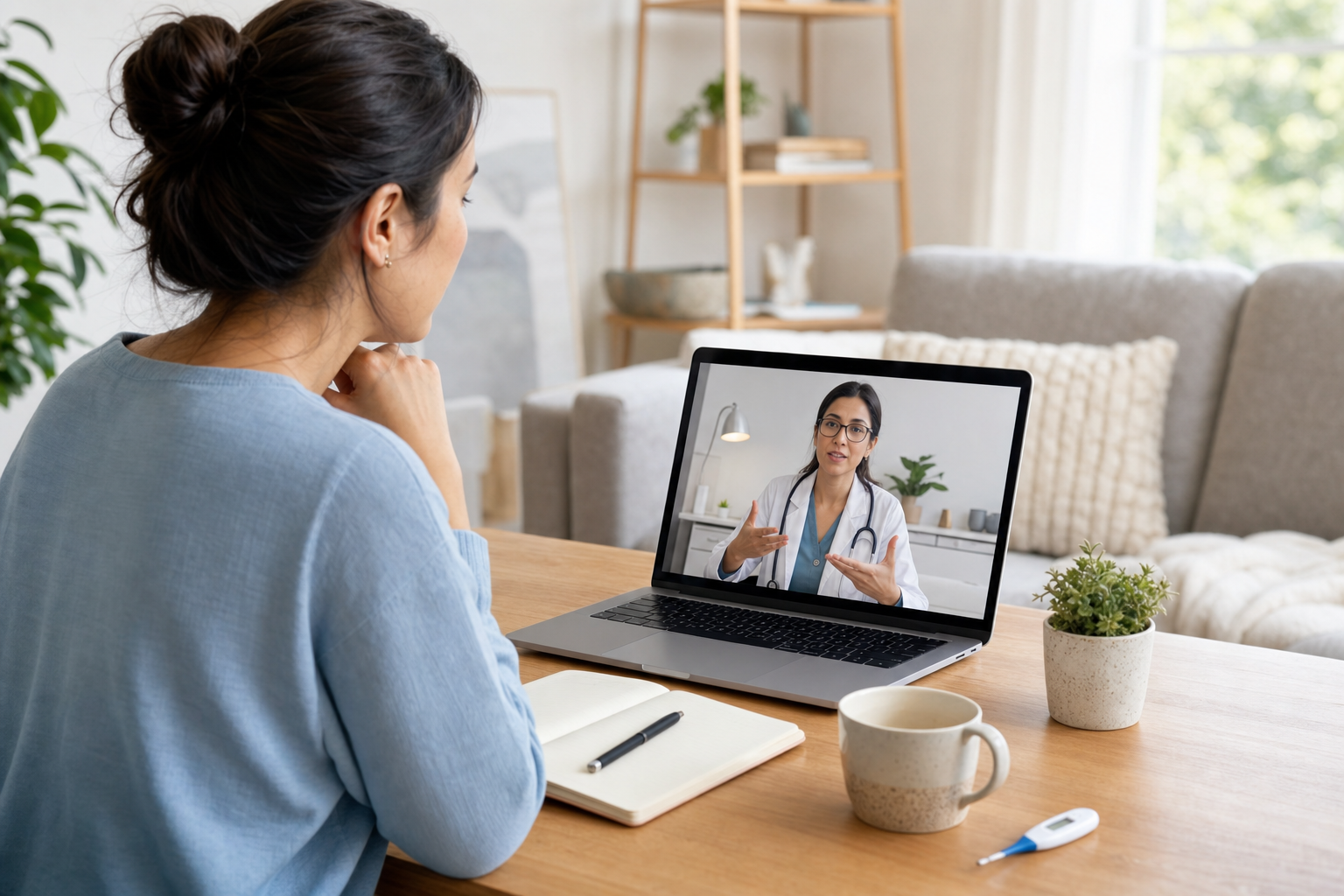
Avoid doing video consultations or logging into health accounts on public, open Wi-Fi, such as in a cafe or airport, since these networks are easier to snoop on. Your home connection or mobile data is safer. Make sure the website you use shows a padlock and an address that begins with https, which indicates the connection is encrypted.
Keep your phone, computer and apps updated. Updates often fix security weaknesses, and running old software leaves a door open that has already been closed elsewhere.
Spotting scams and fakes
Criminals know that health worries make people act quickly, and they exploit that.
Be sceptical of unexpected messages or emails that claim to be from a clinic and ask you to click a link, confirm a password or pay a fee. Reputable services do not ask for your password. When in doubt, do not click. Instead, go to the official website or app directly, or phone the clinic using a number you already trust.
Be cautious about apps and websites that promise miracle results, demand unusual permissions or have no clear owner. If something feels off, it usually is.
Sharing on your terms
Good services are clear about what they collect and why, and they let you control sharing. Before you sign up, skim the privacy policy for plain answers to what is collected, where it is stored and whether it is shared.
Grant only the permissions an app genuinely needs to do its job. A medication reminder does not need your location or your contacts. If a request seems excessive, you can usually decline it and still use the core features.
Keeping a clean digital footprint
From time to time, review the health apps on your phone and remove the ones you no longer use, ideally deleting your account and data first rather than just removing the icon. Check which apps still have access to your information and revoke anything unnecessary.
If you change your phone, make sure you sign out of and remove health apps from the old device before passing it on.
When to get help
If you think a health account has been accessed without your permission, change the password immediately, turn on two step verification, and contact the service. If financial details were involved, alert your bank.
And if a message, app or website ever pressures you to change your medical treatment, do not act on it. Talk to your doctor through a channel you trust before making any change.
The simple summary
Online care is safe enough to enjoy its benefits when you follow a few basics. Use strong, unique passwords and two step verification, connect over trusted networks, keep software updated, be wary of unexpected links and big promises, share only what is needed, and clean up apps you no longer use. These small habits keep your health information where it belongs, with you and your care team.
Connected care is one part of a longer, healthier life. Explore the wider Medtech health ecosystem.